
Why I Use Ghost for My Blog: A 5-Year Review of Strengths, Costs, and Trade-Offs
Ghost is an open-source blogging platform that offers full content ownership, a clean writing interface, built-in newsletters, and self-hosting for around $10/month on Digital Ocean. After running my blogs on Ghost for over 5 years and previously managing WordPress sites for 7 years at my agency Flatart, I consider Ghost the strongest option for creators who want control without complexity.
Last Updated: February 2026
When it comes to choosing a blogging platform, the decision shapes everything from your writing workflow to how much you actually own. I've spent over 12 years in digital marketing — co-founding Popupsmart, building LiveChatAI, and running a 30-person agency called Flatart where we consulted hundreds of brands. Through all of that, I've used WordPress, Squarespace, Medium, and Ghost extensively. This isn't a surface-level overview. I'm sharing what 5 years of daily Ghost usage actually looks like.
Why Is Ghost Being Open Source Such a Big Deal?
Ghost's open-source model means you download the software, install it on your own server, and own everything. No platform lock-in, no third-party controlling your data. According to Ghost's official documentation, the entire codebase is available on GitHub under the MIT license, which gives you unrestricted freedom to modify and deploy it.
When I ran WordPress sites at Flatart between 2013 and 2020, I appreciated the open-source philosophy there too. But Ghost takes a cleaner approach — no plugin bloat, no database overhead from dozens of extensions. I host my Ghost instance on a Digital Ocean droplet for about $10/month. Ghost itself costs nothing since it's open source. This setup has handled my traffic reliably for over 5 years without a single major outage.
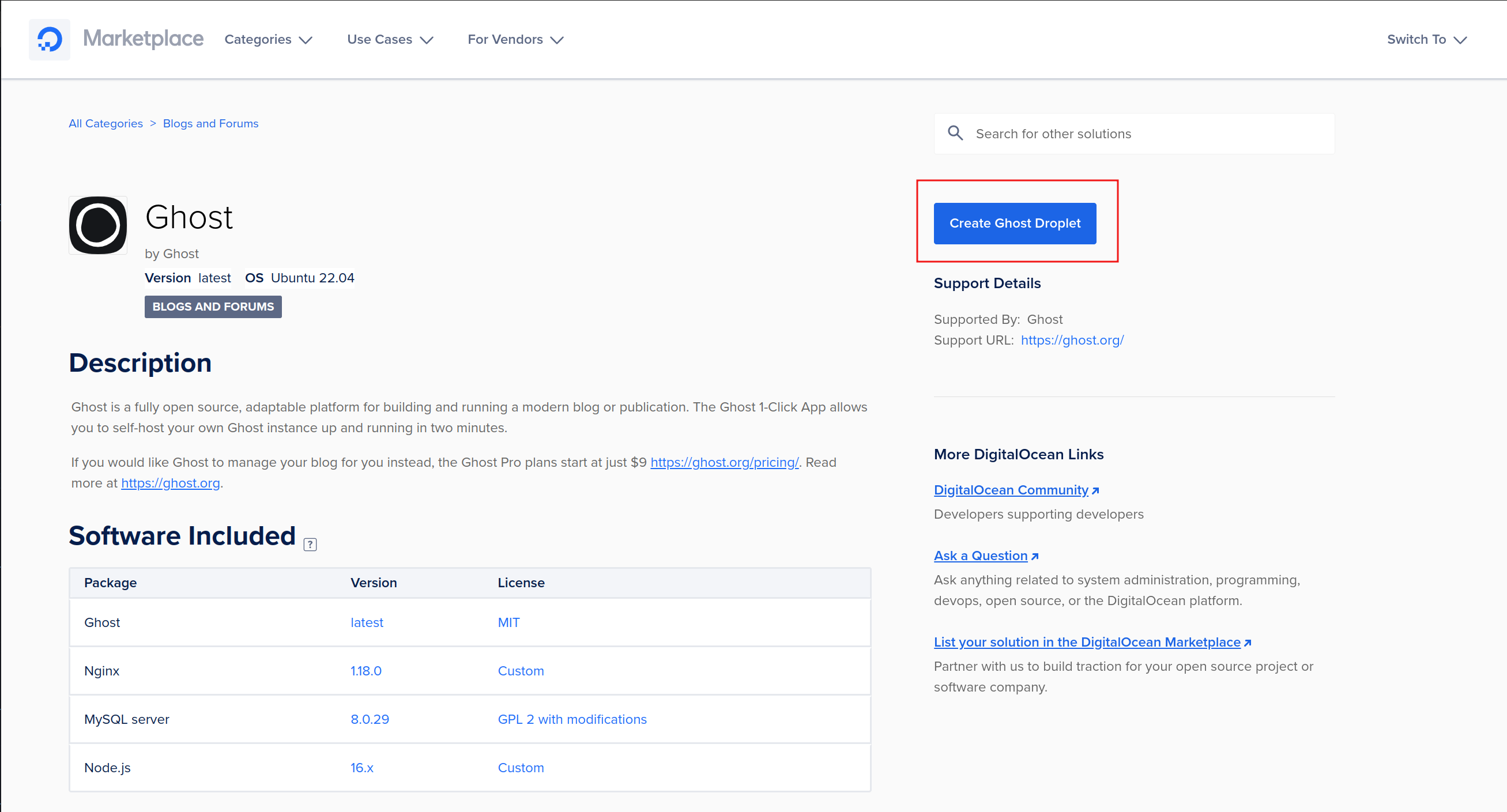
If you're comfortable using a terminal — even at a basic level — self-hosting Ghost is absolutely doable. I've created a video series walking through the full Digital Ocean setup, and it takes roughly 30 minutes from start to finish.
For those who prefer a hands-off experience, Ghost offers a Pro managed plan that handles all maintenance, updates, and server performance. Think of it as the Squarespace model: sign up and focus on writing.
What Makes Ghost's Editor Better Than WordPress?
Open-source software often means clunky interfaces. Ghost breaks that pattern entirely. The admin panel is fast, minimal, and thoughtfully designed. When Ghost released version 4 in early 2021, the UI refresh made the entire experience feel modern — the interface even accents its colors to match your site's branding.
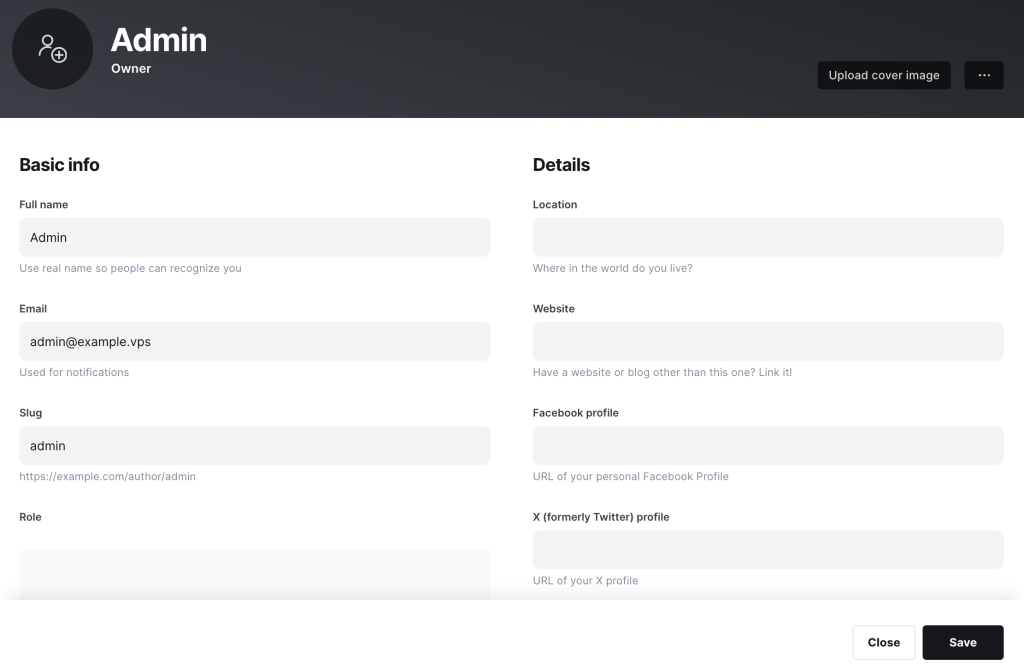
The editor supports Markdown natively, which makes formatting fast and distraction-free. After years of fighting with WordPress's Gutenberg block editor and its cluttered plugin menus, Ghost's writing environment felt like a relief. I switched largely because WordPress had become overloaded with features I didn't need, and every plugin update risked breaking something.
One limitation worth noting: the admin interface works best on desktop and iPad. On mobile phones, it feels cramped. Ghost's team hasn't fully optimized the responsive experience for smaller screens yet.
How Good Are Ghost's Themes Compared to WordPress?
Ghost's default Casper theme is functional but minimal. The real value is in the Ghost theme directory, which offers both free and premium options. Free themes are surprisingly polished — several could pass as premium on other platforms.

Premium themes typically cost $9 to $50 as a one-time purchase — no annual subscriptions like many WordPress themes demand. Since Ghost is open source, independent developers can build themes too, creating an ecosystem beyond the official directory.
I built a custom theme for my site that reflects my branding. Building Ghost themes requires familiarity with Handlebars templating and basic CSS/HTML, but Ghost's theme documentation is clear and well-maintained. If you're interested in web development, it's a worthwhile learning experience.
Can You Run a Newsletter Entirely on Ghost?
Yes. Ghost's built-in newsletter system eliminates the need for separate email platforms like Substack, Mailchimp, or ConvertKit. You can send newsletters directly to subscribers, gate premium content behind a paid subscription, and track engagement metrics from a single dashboard.
While I don't currently use this feature myself, many creators run their entire newsletter business on Ghost. The platform handles subscriber management, email delivery, and analytics in one place. For anyone building a paid content model, Ghost's approach reduces both cost and complexity compared to stitching together multiple tools.
According to Ghost's creator economy report, independent publishers using Ghost's native newsletter have seen measurably higher open rates than those using third-party email services, largely because Ghost sends from your own domain rather than a shared sender.
What Integrations Does Ghost Support for Workflow Automation?
Ghost integrates with popular tools through its native integration hub. The most powerful connector is Zapier, which lets you automate actions triggered by Ghost events — publishing a post can automatically share it on social media, update a spreadsheet, or trigger a Slack notification.
Ghost also works with writing apps like Ulysses. I write all my posts in Ulysses across my iPhone, iPad, and Mac, then publish directly to Ghost without opening the admin panel. This integration lets me focus on writing in a comfortable environment while Ghost handles publishing.
From a developer perspective, Ghost's Content API and Admin API are well-documented and straightforward. I've built custom MCP (Model Context Protocol) integrations that let AI tools interact with my Ghost blog programmatically — something that's far more difficult with WordPress's more complex API surface.
How Hard Is It to Migrate from WordPress to Ghost?
Switching platforms is notoriously painful. When I migrated from WordPress to Ghost, it took several days of manual work — transferring posts, fixing image paths, and adjusting formatting. Ghost acknowledges this friction and offers a concierge migration service for Pro plan users at no extra cost.
With the concierge service, Ghost's team accesses your old site and migrates content so your new Ghost site mirrors the previous one as closely as possible. For self-hosters, Ghost provides an import/export tool that handles JSON data transfers, though images and custom formatting may still need manual attention.
What Are the Downsides of Self-Hosting Ghost?
Self-hosting means you're responsible for updates, security patches, and troubleshooting. Unlike WordPress, which allows one-click updates from the admin panel, Ghost requires SSH access and terminal commands.
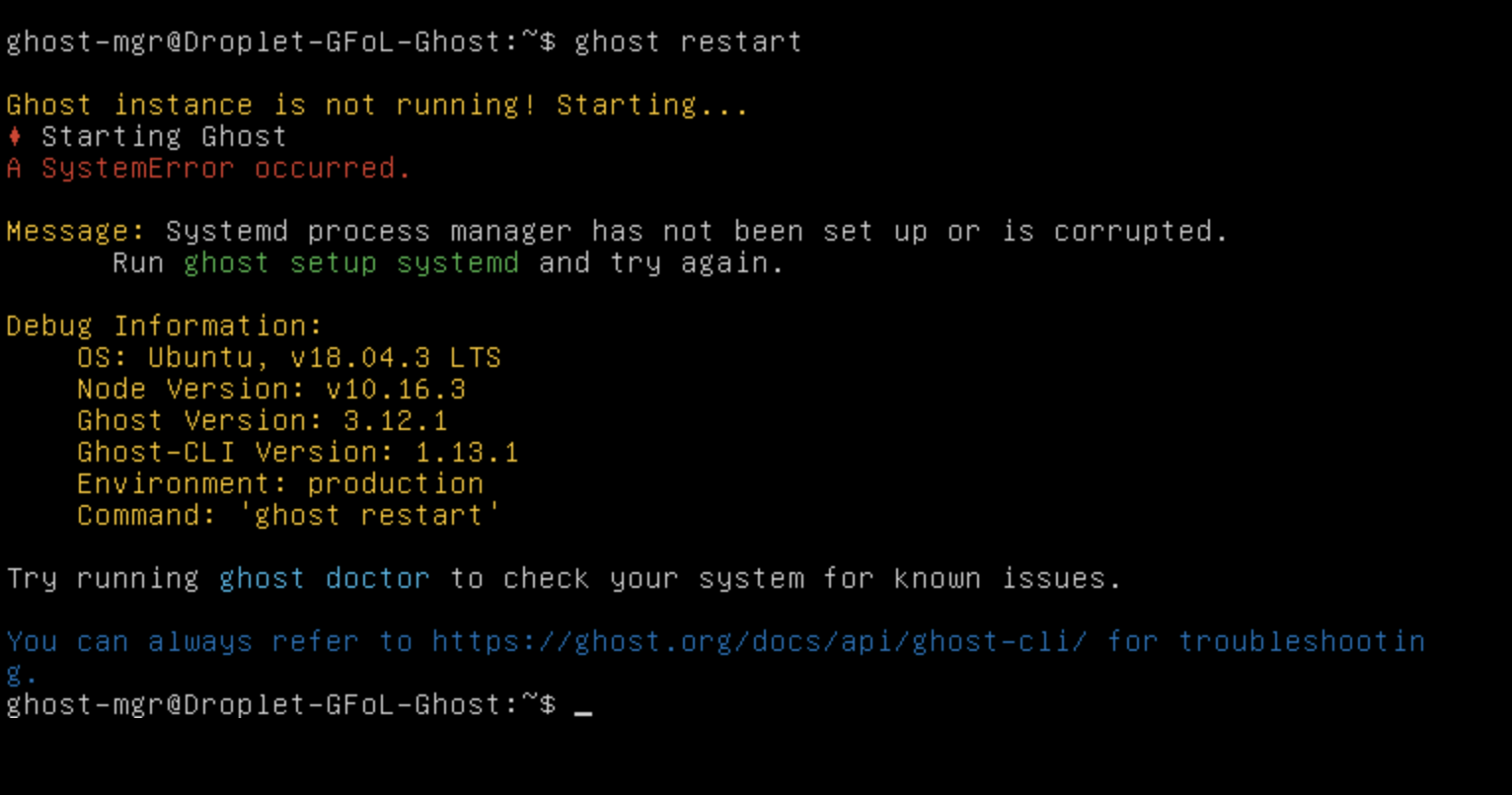
The update process involves SSHing into your server and running ghost update. It's not difficult once you've done it a few times, but there's no built-in admin panel option to trigger updates. You can set up cron jobs to automate this, but that requires additional server configuration.
Over my 5 years of self-hosting, I've encountered update issues maybe three or four times — usually related to Node.js version compatibility. Each time, Ghost's community forum had the answer within minutes. The trade-off is real but manageable if you're comfortable with basic server administration.
How Much Does Ghost Pro Cost Compared to Self-Hosting?
Here's a direct cost comparison based on current pricing:
| Option | Monthly Cost | What's Included | Best For |
|---|---|---|---|
| Self-Hosted (Digital Ocean) | ~$10/month | Full control, Ghost is free, you manage server | Technical users who want maximum control |
| Ghost Pro Starter | $9/month | Managed hosting, 500 members, 1 staff user | Solo bloggers starting out |
| Ghost Pro Creator | $25/month | Managed hosting, 1,000 members, custom integrations | Growing newsletters and membership sites |
| Ghost Pro Team | $50/month | Managed hosting, 1,000 members, 5 staff users | Multi-author publications |
| Ghost Pro Business | $199/month | Managed hosting, 10,000 members, premium support | Established publishers with large audiences |
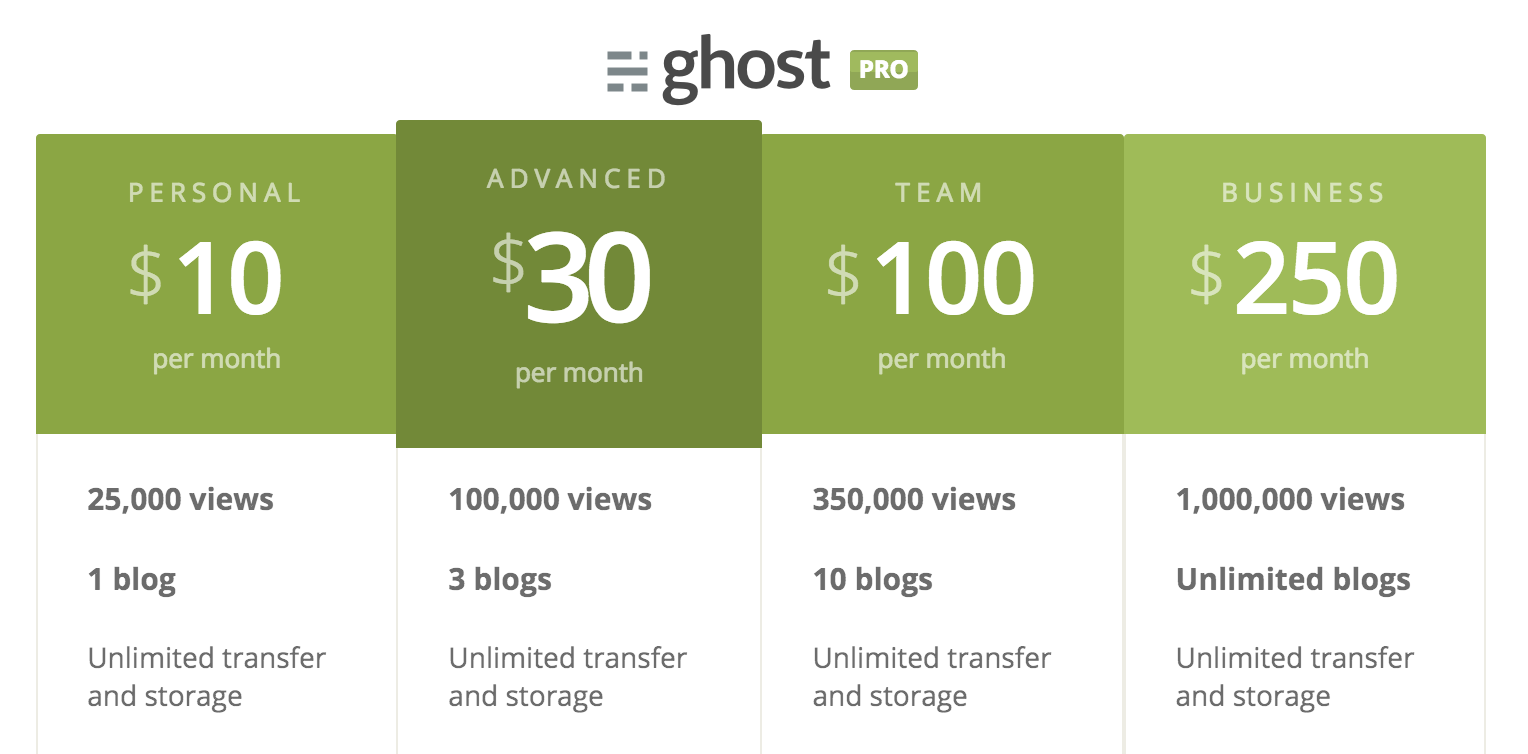
My self-hosted setup on Digital Ocean has cost me roughly $600 total over 5 years. A comparable Ghost Pro plan over the same period would have cost $1,500 to $3,000 depending on the tier. The savings are significant, but the trade-off is your time spent on server maintenance.
Where Does Ghost Fall Short Compared to WordPress?
Ghost's ecosystem is smaller than WordPress's. According to W3Techs, WordPress powers over 40% of all websites, which means a massive community, thousands of plugins, and extensive third-party documentation. Ghost's market share is a fraction of that.
In practice, this means:
- No plugin marketplace. Ghost doesn't have an equivalent to WordPress's plugin directory. Features like search, comments, and analytics require custom development or third-party integrations.
- Smaller theme selection. WordPress offers tens of thousands of themes. Ghost has hundreds — high quality, but fewer choices.
- Less community troubleshooting. When you hit an edge case with Ghost, you might be the first person to encounter it. WordPress problems almost always have existing Stack Overflow answers.
- No native search widget. Adding search to a Ghost site requires using the Content API or a service like Algolia, whereas WordPress has search built in.
For my workflow — publishing blog content, managing newsletters, and building custom integrations — these limitations rarely matter. But if you need extensive plugin functionality (e-commerce, LMS, complex forms), WordPress still has the edge.
Should You Choose Ghost for Your Blog?
After 5 years of running Ghost across multiple projects, here's my honest assessment:
Choose Ghost if you value content ownership, want a clean writing experience, and are comfortable with basic technical setup (or willing to pay for Ghost Pro). It's ideal for bloggers, newsletter creators, and independent publishers who don't need the complexity of WordPress.
Stay with WordPress if you need extensive plugin ecosystems, e-commerce functionality, or a platform where every possible question has already been answered on a forum somewhere.
Ghost strikes a balance between control and simplicity that I haven't found on any other platform. Its open-source foundation means your content is genuinely yours. The editor makes writing enjoyable rather than frustrating. And the built-in newsletter feature eliminates an entire category of third-party tools.
I run my blogs on Ghost because, as someone who has built SaaS products and managed marketing for hundreds of brands, I want a platform that stays out of my way and lets me focus on content. Ghost does exactly that.