How to Improve Google PageSpeed Insights Score on Ghost CMS

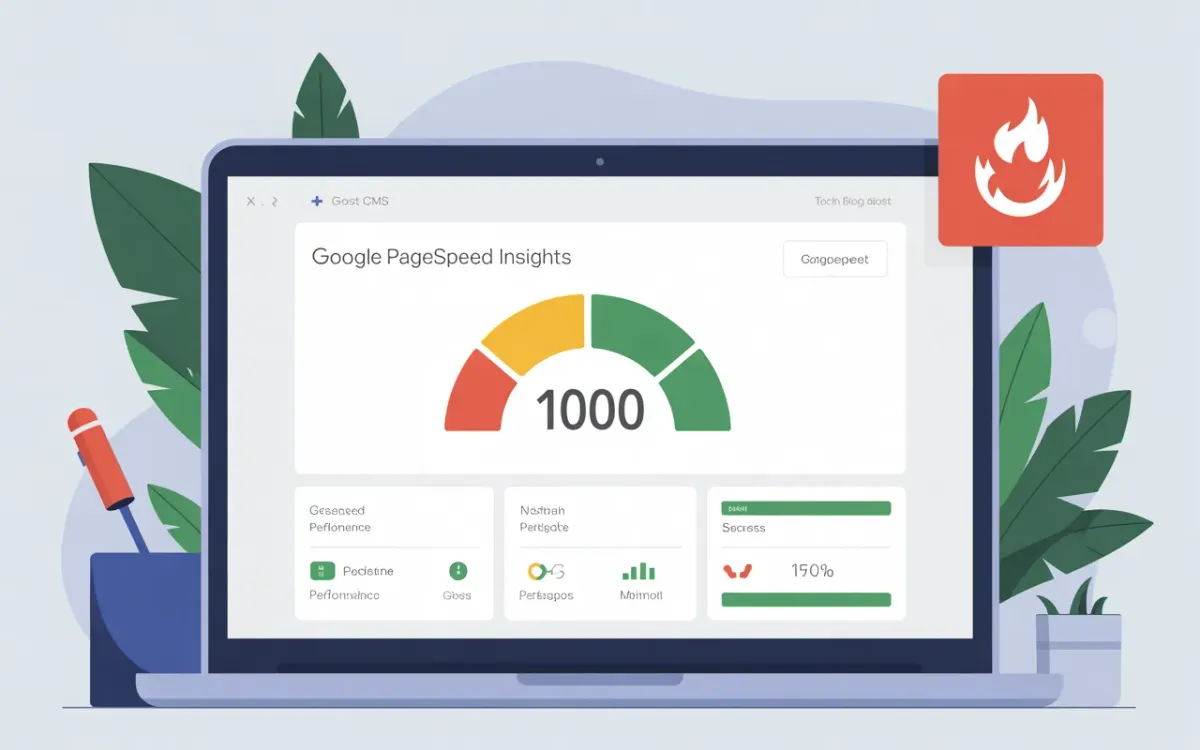
You open Google PageSpeed Insights, paste your Ghost blog URL, and watch as the score loads. If it's sitting below 70 on mobile, you're losing rankings. Google has used Core Web Vitals as a direct ranking signal since 2021, and Ghost blogs — despite being fast by default — still have room to optimize.
This guide covers exactly what moves the needle. Not theory, not vague suggestions. Concrete changes you can make today on a self-hosted Ghost instance.
Quick answer: To improve Google PageSpeed Insights scores on Ghost CMS, focus on five areas: image optimization (WebP + lazy loading), enabling Cloudflare caching, removing unused theme scripts, configuring Ghost's built-in minification, and fixing your Largest Contentful Paint element. Most Ghost blogs can reach 90+ with these steps.
What Does PageSpeed Insights Actually Measure?
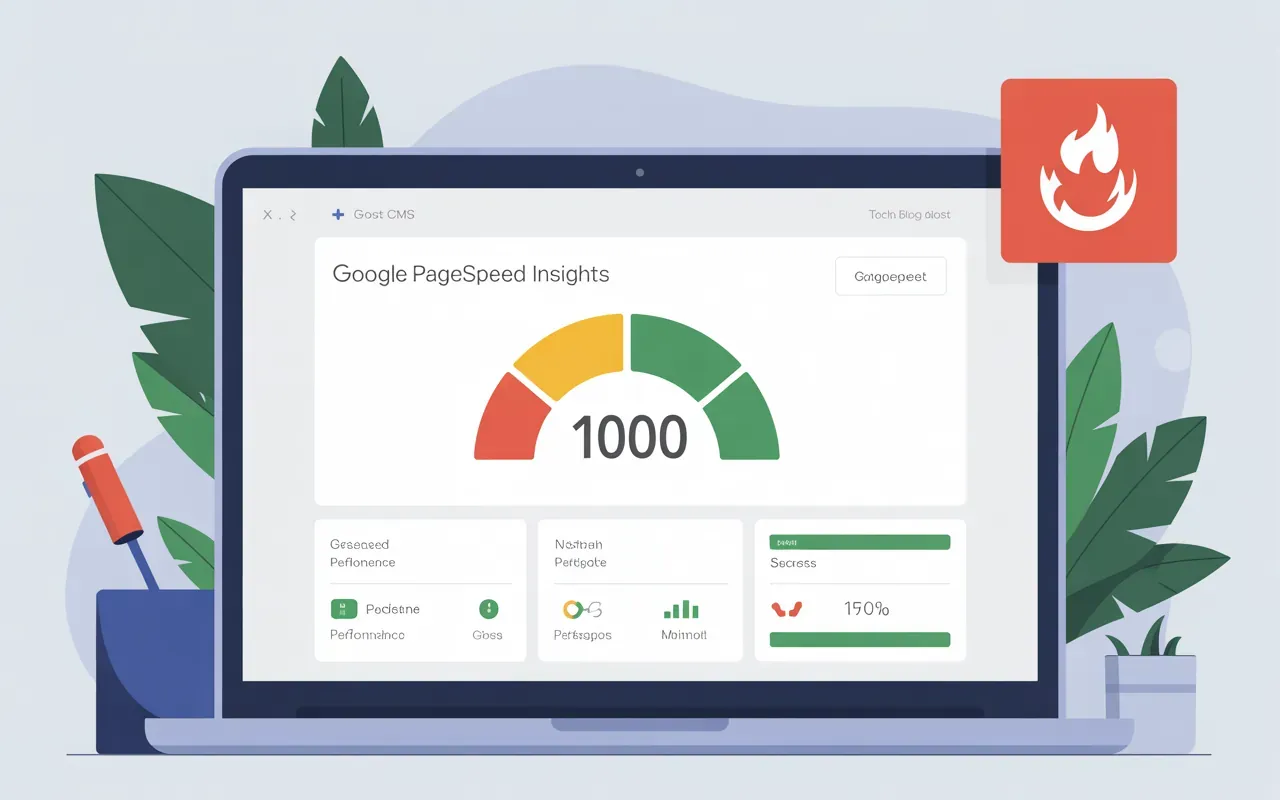
PageSpeed Insights gives you two types of data: lab data (from Lighthouse, running in a controlled environment) and field data (real user measurements from the Chrome User Experience Report). The score you see is weighted across several metrics, but three Core Web Vitals dominate:
| Metric | What It Measures | Good Threshold | Weight in Score |
|---|---|---|---|
| LCP (Largest Contentful Paint) | When the main content loads | Under 2.5s | 25% |
| INP (Interaction to Next Paint) | Responsiveness to clicks/taps | Under 200ms | 25% |
| CLS (Cumulative Layout Shift) | Visual stability | Under 0.1 | 15% |
| FCP (First Contentful Paint) | First content on screen | Under 1.8s | 10% |
| TTFB (Time to First Byte) | Server response speed | Under 800ms | 10% |
INP replaced FID (First Input Delay) in March 2024. If you're following guides that mention FID, they're outdated.
How Do You Fix LCP on Ghost?
LCP is usually your biggest problem. On most Ghost blogs, the LCP element is the feature image of a post or the hero image on the homepage. Two things cause slow LCP: the image itself is too large, or it loads too late.
Step 1: Convert images to WebP. Ghost's image card supports WebP natively. When you upload a JPG or PNG, Ghost generates responsive sizes automatically — but it won't convert to WebP unless you do it first. Run images through Squoosh or use a CLI tool before uploading:
cwebp -q 80 input.jpg -o output.webpStep 2: Add fetchpriority to your LCP image. Ghost themes don't add this by default. In your theme's index.hbs or post.hbs, find the feature image tag and add the priority hint:
<img src="{{feature_image}}" fetchpriority="high" loading="eager" alt="{{feature_image_alt}}">Don't use loading="lazy" on your LCP element. And always write descriptive alt text — here's how to add image alt descriptions in Ghost properly. Lazy loading tells the browser to defer it — the opposite of what you want for the largest image above the fold.
How Do You Reduce CLS on Ghost?
CLS happens when elements shift after the page loads. On Ghost blogs, the usual culprits are images without defined dimensions and fonts swapping in late.
For images, always set explicit width and height attributes. Ghost's image card does this automatically when you use the native image card. If you're using raw HTML embeds, add them manually:
<img src="image.webp" width="1200" height="630" alt="description">For fonts, add font-display: swap to your theme's CSS. This tells the browser to use a fallback font while the custom font loads, then swap — preventing an invisible text flash that shifts layout.
@font-face {
  font-family: 'YourFont';
  src: url('font.woff2') format('woff2');
  font-display: swap;
}
Does Cloudflare Help Ghost PageSpeed?
Yes — significantly. Cloudflare's free tier gives you edge caching, HTTP/2, and automatic minification. Ghost works well behind Cloudflare's proxy. If you haven't set this up yet, the complete Ghost Cloudflare caching guide covers the full configuration. The main things to configure:
- Cache rules: Cache Ghost pages at the edge. Set a page rule for
seocontentai.com/*with Cache Level: Cache Everything and Edge Cache TTL: 1 month - Auto Minify: Enable for JavaScript, CSS, and HTML in Cloudflare's Speed settings
- Rocket Loader: Test this carefully — it defers JavaScript loading but can break some Ghost features. Disable if you see issues
- Polish: On paid plans, this auto-converts images to WebP at the CDN level
One thing to watch: if you're running Ghost with SSL via Let's Encrypt on the origin server, set Cloudflare's SSL mode to "Full (Strict)" — see the Ghost Cloudflare SSL setup guide for the exact steps not just "Full". This prevents redirect loops.
What Ghost Performance Settings Are Built In?
Ghost has a few native optimizations people miss:
- Asset minification: In production mode, Ghost minifies CSS and JavaScript automatically. Make sure you're running in production (
NODE_ENV=production) not development mode - Responsive images: Every image uploaded to Ghost gets resized to multiple widths (300w, 600w, 1000w, 2000w) and served with
srcsetautomatically. Don't override this with custom image HTML - Content Delivery: If you're self-hosting, putting your Ghost behind Cloudflare or another CDN dramatically cuts TTFB for visitors far from your server
Check your Ghost version too. Ghost 5.x has significantly better performance defaults than 4.x. If you're still on an older version, updating Ghost alone may improve your score.
What Theme Issues Hurt PageSpeed?
Your theme is often the biggest variable. Some common culprits in third-party Ghost themes:
- Loading jQuery unnecessarily — many older themes include jQuery even when only a small script needs it. Check your theme's
default.hbsfor any<script>tags you can remove or defer - Render-blocking CSS — fonts and stylesheets loaded in
<head>withoutmediaattributes block rendering. Load non-critical CSS asynchronously - Social share widgets — embedded Twitter/Facebook buttons load third-party scripts that add 200-500ms. Replace them with plain links
- Comment systems — Disqus is notorious for tanking scores. Ghost's native comments (added in 5.x) are much lighter
Run PageSpeed Insights and look at the "Opportunities" section. It lists specific resources slowing your page with estimated savings. That's your priority list. Cross-reference findings with the best SEO tools for Ghost to automate ongoing monitoring.
Related Ghost SEO Guides
PageSpeed is one piece of Ghost SEO. For a complete picture, these posts cover the other major areas:
- Ghost SEO Hacks: Secrets to Supercharge Your Blog's Visibility — broader SEO strategies beyond performance
- XML Sitemaps in Ghost — making sure Google can crawl and index every page
- How to Optimize Images for SEO on Ghost CMS — deeper dive into image optimization beyond WebP
Frequently Asked Questions
Is Ghost CMS good for SEO?
Ghost is one of the better CMS platforms for SEO out of the box. It generates clean semantic HTML, automatic XML sitemaps, structured data for articles, and responsive image srcsets. The main SEO work on Ghost is content-level, not technical. That includes things like optimising your meta titles and descriptions on every post.
What is a good Google PageSpeed score?
Google considers 90-100 good, 50-89 needs improvement, and below 50 poor. For SEO purposes, aim for 90+ on desktop and 70+ on mobile. Mobile scores are consistently lower due to device processing constraints, not just network speed. Pairing good performance with a clean Ghost URL structure and well-configured Ghost tags for SEO gives Google stronger signals to rank on.
How do I improve Google PageSpeed Insights score?
The highest-impact changes are: convert images to WebP and add explicit dimensions, set fetchpriority="high" on your LCP image, enable Cloudflare caching, remove unused theme scripts, and use font-display: swap. Together these typically move a Ghost blog from 60s to 90s.
How to improve LCP and CLS on Ghost?
For LCP: use WebP images, add fetchpriority="high" to the feature image, and avoid lazy loading above-the-fold images. For CLS: set explicit width/height on all images, add font-display: swap to custom fonts, and avoid dynamically injecting content above existing content.
What is LCP in Core Web Vitals?
Largest Contentful Paint (LCP) measures when the largest visible element — usually a hero image or heading — finishes loading. Google's threshold for a good LCP is under 2.5 seconds. It's the most impactful Core Web Vital for perceived load speed.
Does Cloudflare improve Ghost performance?
Yes. Cloudflare's free tier adds edge caching (serving cached pages from locations close to visitors), HTTP/2, and automatic minification. For a self-hosted Ghost blog, this typically cuts TTFB from 400-800ms to under 100ms for cached pages.
Why is my Ghost mobile score lower than desktop?
PageSpeed Insights simulates a mid-range Android device on a 4G connection for mobile testing — much more constrained than a desktop browser. A gap of 15-25 points between mobile and desktop is normal. Focus on reducing JavaScript execution time and image sizes for mobile gains.
How do I check my Ghost Core Web Vitals?
Run your URL through pagespeed.web.dev for immediate lab data. For real-user field data, check Google Search Console under Experience > Core Web Vitals — this shows actual performance across your visitors over the past 90 days.
If you're not seeing field data in Search Console yet, your site may not have enough traffic for Google's CrUX dataset. The lab data from PageSpeed Insights is a reliable proxy in that case.