
Best WordPress Alternatives in 2026 (15 Platforms Compared)
WordPress powers over 40% of the web, but it is not the right fit for everyone. Between constant plugin updates, security patches, and performance tuning, many site owners are looking for simpler, faster, or more specialized alternatives.
The best WordPress alternatives in 2026 are Webflow (best for designers), Ghost (best for blogging and newsletters), Shopify (best for e-commerce), Squarespace (best for small businesses), and Wix (best for beginners). For developers, headless options like Strapi and Payload CMS offer maximum flexibility. Each platform eliminates specific WordPress pain points — from plugin dependency to security management.
I have built and managed sites on most of these platforms — from running seocontentai.com on Ghost to building marketing pages in Webflow for Popupsmart. This comparison is based on hands-on experience, not just feature lists.
How Do These WordPress Alternatives Compare at a Glance?
Before diving into each platform, here is a quick comparison to help you narrow down your options:
| Platform | Best For | Starting Price | Type | E-commerce | Ease of Use |
|---|---|---|---|---|---|
| Webflow | Designers & agencies | Free / $14/mo | Hosted | Yes | Medium |
| Squarespace | Small businesses | $16/mo | Hosted | Yes | Easy |
| Wix | Beginners | Free / $17/mo | Hosted | Yes | Very Easy |
| Framer | Creative professionals | Free / $10/mo | Hosted | No | Medium |
| Ghost | Bloggers & publishers | Free (self) / $15/mo | Open-source | No (memberships) | Easy |
| Shopify | E-commerce stores | $5/mo | Hosted | Yes (core) | Easy |
| Hugo | Developer blogs | Free | Open-source | No | Hard |
| Eleventy | Developer sites | Free | Open-source | No | Hard |
| Drupal | Enterprise & government | Free | Open-source | Via modules | Hard |
| Joomla | Community portals | Free | Open-source | Via extensions | Medium |
| Grav | Developers (no database) | Free | Open-source | No | Medium |
| Notion | Simple sites & docs | Free / $10/mo | Hosted | No | Very Easy |
| Contentful | Enterprise multi-channel | Free / $300/mo | Headless CMS | Via API | Medium |
| Strapi | Custom app backends | Free (self) / $15/mo | Headless CMS | Via API | Medium |
| Payload CMS | Next.js applications | Free (self) / $35/mo | Headless CMS | Via API | Medium |
What Are the Best All-in-One Website Builders to Replace WordPress?
If you want an all-in-one platform that handles hosting, security, and design without plugins, these four platforms are the strongest WordPress alternatives for most users.
1. Webflow — Best for Designers and Agencies
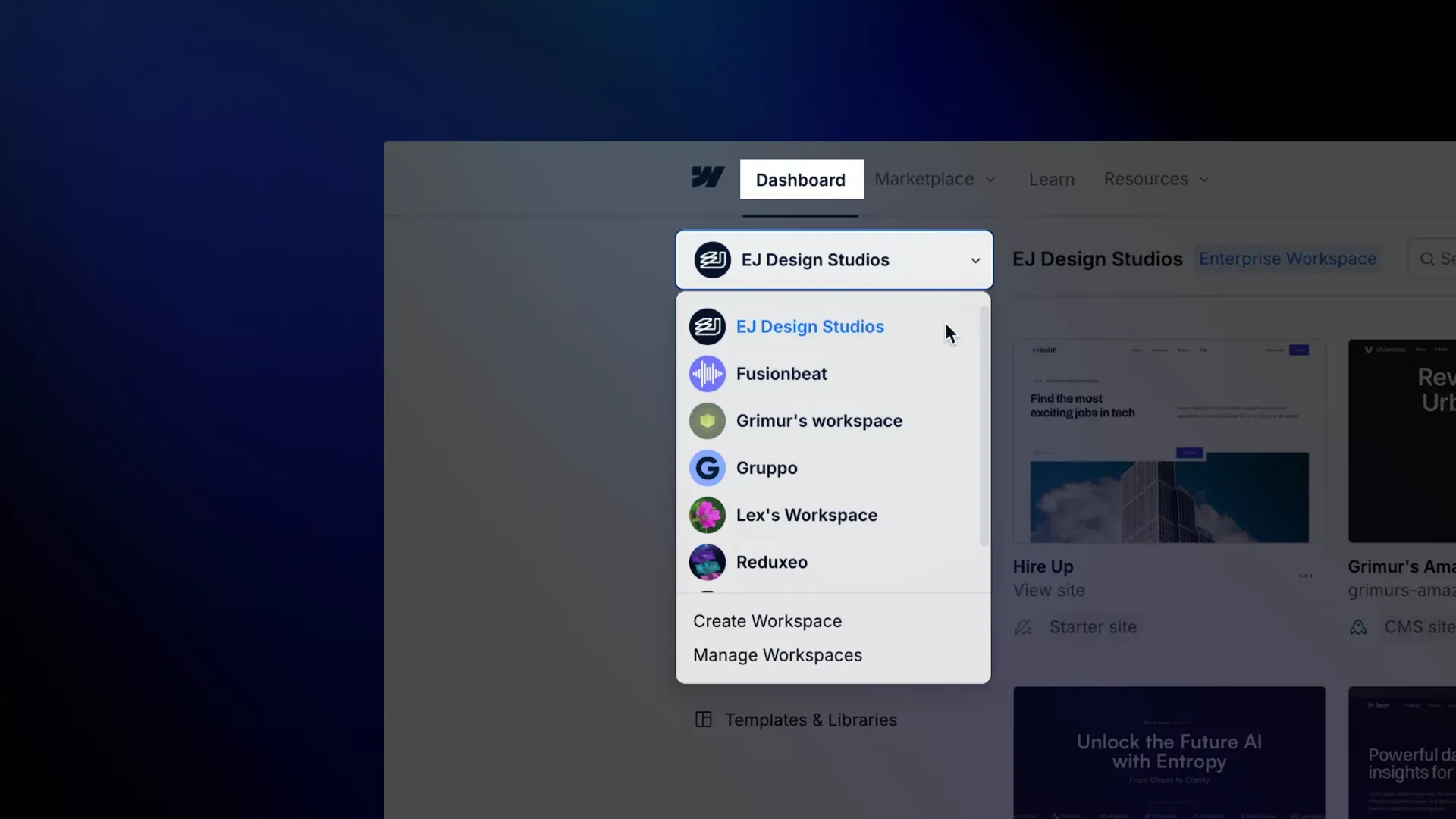
Webflow gives you pixel-perfect design control without writing code. Unlike WordPress, where you pick a theme and customize within its constraints, Webflow lets you build any layout from scratch using a visual CSS editor.
| Quick Facts | |
|---|---|
| Type | Hosted, proprietary visual builder |
| Free Plan | Yes (with Webflow branding) |
| Paid Plans | $14–$39/mo (annual), Enterprise custom |
| Best For | Designers, agencies, marketing sites |
| 2026 Update | AI Site Builder generates multi-page sites from prompts; AI Code Gen for React apps |
Why choose Webflow over WordPress? Total cost of ownership is actually lower. WordPress hosting ($10–30/mo) plus security plugin ($199/yr for Sucuri) plus premium theme ($59–200) adds up fast. Webflow includes hosting, SSL, CDN, and security in every plan.
Pros:
- True visual design freedom — no theme constraints
- Built-in hosting, CDN, and SSL on all plans
- Clean, semantic HTML/CSS output
- Excellent CMS for marketing teams
- AI Site Builder for rapid prototyping (2026)
Cons:
- Steeper learning curve than Squarespace or Wix
- E-commerce limited compared to Shopify
- CMS plan required for dynamic content ($39/mo)
- No native blogging workflow (editor is page-focused)
I have used Webflow for Popupsmart marketing pages. The design flexibility is unmatched, but the learning curve is real — expect a week to feel comfortable.
2. Squarespace — Best for Small Businesses
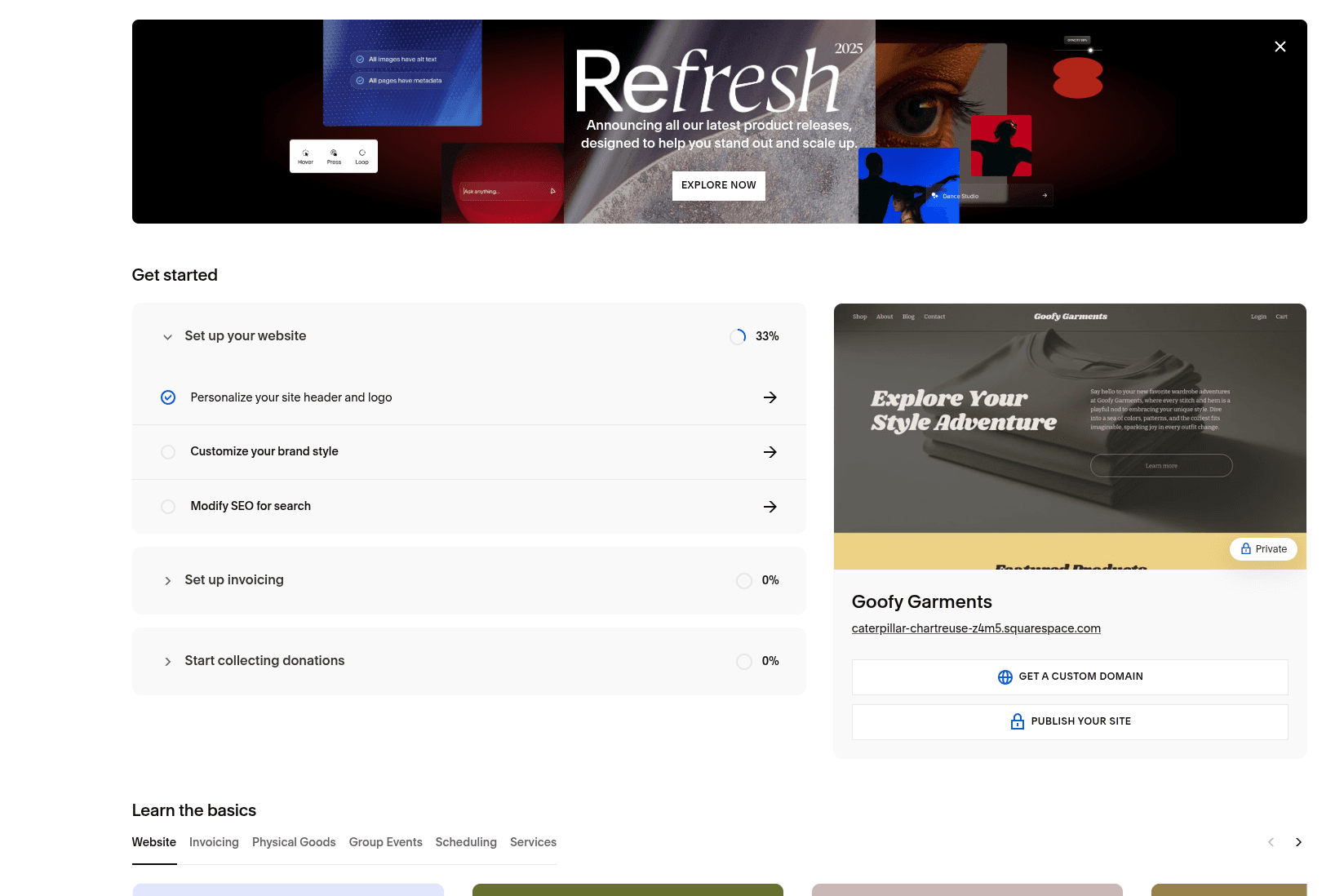
Squarespace is the go-to WordPress alternative for small businesses that want a professional site without hiring a developer. Every template is mobile-responsive, and the editor is straightforward.
| Quick Facts | |
|---|---|
| Type | Hosted, proprietary all-in-one builder |
| Free Plan | No (14-day free trial) |
| Paid Plans | $16–$99/mo (annual billing) |
| Best For | Small businesses, portfolios, restaurants |
| 2026 Update | Blueprint AI builder creates sites from conversation; Beacon AI scans for SEO issues |
Why choose Squarespace over WordPress? Zero maintenance. No plugin updates, no security patches, no hosting configuration. You get 24/7 support, free custom domain for the first year, and SSL on every plan.
Pros:
- Beautiful, professional templates out of the box
- All-in-one: hosting, domain, email, analytics included
- 24/7 customer support on all plans
- Built-in e-commerce (0% transaction fees on Plus plan)
- AI assistant scans your site for issues (2026)
Cons:
- Less design flexibility than Webflow
- No free plan
- Limited third-party integrations compared to WordPress
- Can feel restrictive for developers
3. Wix — Best for Beginners

Wix is the easiest WordPress alternative to get started with. If you have never built a website before, Wix's drag-and-drop editor and AI builder will have you live in under an hour.
| Quick Facts | |
|---|---|
| Type | Hosted, proprietary drag-and-drop builder |
| Free Plan | Yes (with Wix branding) |
| Paid Plans | $17–$159/mo (annual), Enterprise $500+ |
| Best For | Beginners, small businesses, quick launches |
| 2026 Update | Wix Harmony merges AI "vibe coding" with drag-and-drop; 800+ app marketplace |
Why choose Wix over WordPress? Wix Harmony, launched January 2026, lets you describe what you want in plain language and the AI builds it. WordPress requires you to find a theme, install plugins, and configure everything manually.
Pros:
- Easiest builder for absolute beginners
- 800+ app integrations
- AI builds websites from natural language descriptions (2026)
- Free plan available for testing
- Built-in e-commerce on Core plan ($29/mo)
Cons:
- Cannot change templates after publishing
- Site speed can lag on heavy pages
- Free plan includes Wix branding
- Not ideal for large, complex sites
4. Framer — Best for Creative Professionals
Framer started as a prototyping tool and evolved into a full website builder. Its strength is animations and interactions — if you want a site that moves and feels premium, Framer delivers what WordPress cannot without heavy custom development.
| Quick Facts | |
|---|---|
| Type | Hosted, proprietary no-code builder |
| Free Plan | Yes (with Framer branding) |
| Paid Plans | $10–$100/mo, Enterprise custom |
| Best For | Designers, portfolios, agency sites, landing pages |
| 2026 Update | On-page editing for live pages; AI auto-mapping creates CMS collections from designs |
Pros:
- Advanced animations and interactions without code
- Real-time collaboration
- Affordable entry point ($10/mo)
- Integrated CMS, SEO tools, and analytics
- AI generates layouts in seconds
Cons:
- No e-commerce features
- CMS is less mature than Webflow's
- Smaller template ecosystem
- Not suited for content-heavy blogs
What Is the Best WordPress Alternative for Blogging and Publishing?
WordPress became popular as a blogging platform, but it has grown into a general-purpose CMS. If you primarily create written content, newsletters, or run a membership site, these alternatives are purpose-built for publishing.
5. Ghost — Best for Blogs and Newsletters
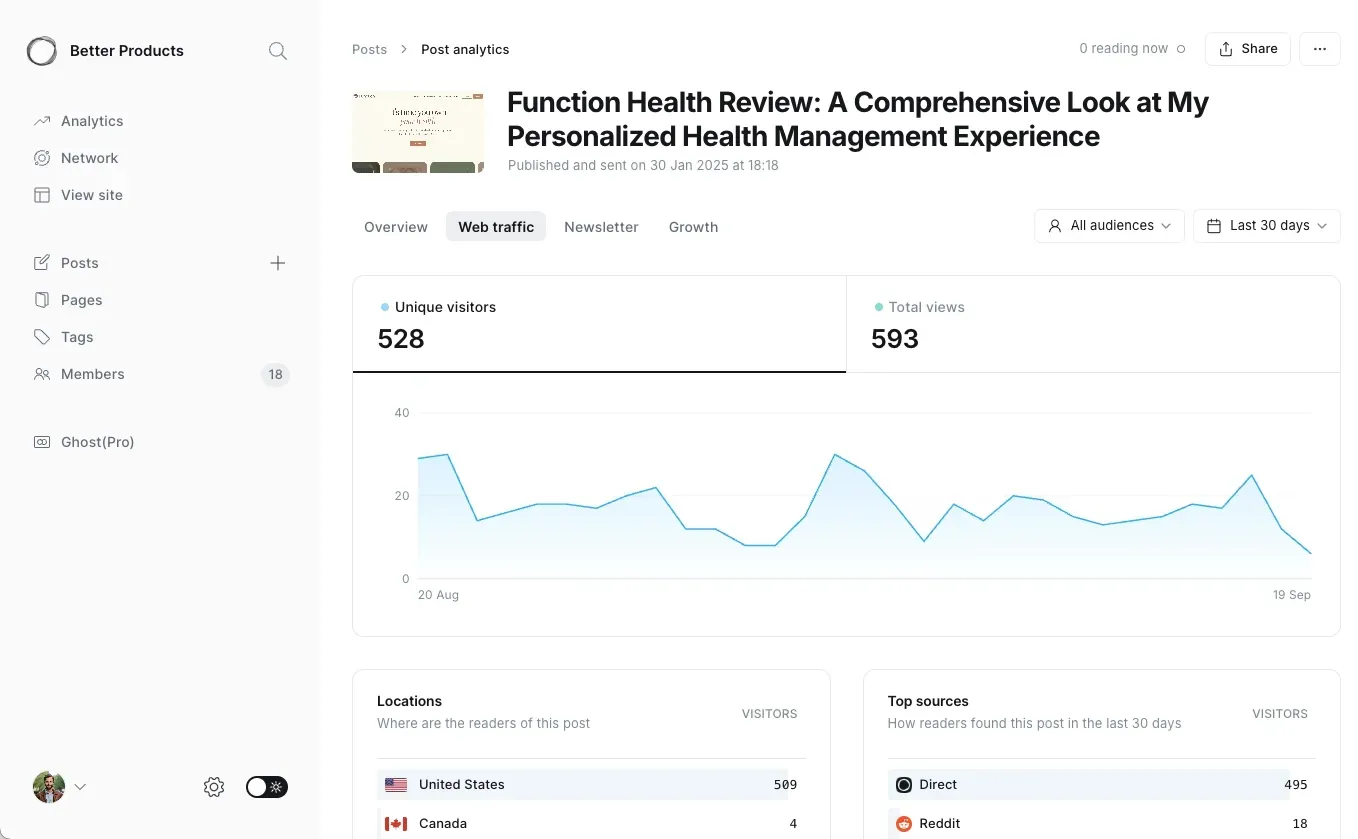
Ghost is what I use for this blog, and for good reason. It is a modern publishing platform built with Node.js that is significantly faster than WordPress, comes with built-in SEO, membership management, and newsletter delivery — all without a single plugin.
| Quick Facts | |
|---|---|
| Type | Open-source (Node.js), self-hosted or hosted |
| Free Plan | Yes (self-hosted, open-source) |
| Hosted Plans | $15–$200+/mo on Ghost(Pro) |
| Best For | Bloggers, publishers, newsletter creators, membership sites |
| 2026 Update | Ghost 6 adds Fediverse support (Mastodon/Threads), native cookie-free analytics, social web protocols |
Why choose Ghost over WordPress for blogging? Ghost's editor is cleaner, faster, and distraction-free. Memberships, newsletters, and SEO work out of the box. With WordPress, you need Jetpack, Yoast SEO, Mailchimp integration, and a membership plugin — each adding complexity and potential conflicts.
Pros:
- Built-in memberships, newsletters, and SEO
- Significantly faster than WordPress (Node.js vs PHP)
- Clean, distraction-free writing experience
- Ghost(Pro) takes 0% of your revenue
- Native analytics without cookies (Ghost 6)
- Open-source — self-host for free
Cons:
- Not a general website builder — focused on publishing
- Smaller theme ecosystem than WordPress
- Self-hosting requires technical knowledge
- No e-commerce (memberships only)
After running this site on Ghost for over three years, the biggest advantage is zero maintenance. No plugin updates breaking things at 2 AM, no security patches to rush. It just works.
6. Hugo — Best for Developer Blogs (Static Site Generator)
Hugo is the fastest static site generator available, building pages in under 1 millisecond each. If you want a blog that loads instantly and costs almost nothing to host, Hugo is hard to beat.
| Quick Facts | |
|---|---|
| Type | Open-source static site generator (Go) |
| Price | Free (host on Netlify/Vercel for $0) |
| Best For | Developer blogs, documentation, landing pages |
| Learning Curve | Requires command line and Git knowledge |
Pros:
- Blazing fast — builds thousands of pages in seconds
- Free hosting on Netlify, Vercel, or GitHub Pages
- No database means no database attacks
- Version control with Git
Cons:
- No visual editor — write in Markdown + terminal
- No CMS admin panel (unless you add a headless CMS)
- Not for non-technical users
7. Eleventy — Best for JavaScript Developers
Eleventy (11ty) is similar to Hugo but runs on JavaScript. It processes 4,000 Markdown files in under 2 seconds and supports multiple template languages, making it more flexible than Hugo for JavaScript-heavy workflows.
| Quick Facts | |
|---|---|
| Type | Open-source static site generator (JavaScript) |
| Price | Free |
| Best For | JS developers, documentation sites, portfolios |
| Learning Curve | Moderate (JavaScript knowledge required) |
Pros:
- Supports Nunjucks, Liquid, Handlebars, and more template languages
- Gentler learning curve than Hugo for JavaScript developers
- Excellent for collaborative development
- Free hosting on any static host
Cons:
- Slower build times than Hugo for very large sites
- Smaller community than Hugo or Next.js
- No built-in admin panel
What Is the Best WordPress Alternative for E-commerce?
WordPress handles e-commerce through WooCommerce, which is powerful but adds significant complexity. If your primary goal is selling products online, a purpose-built e-commerce platform eliminates that overhead.
8. Shopify — Best for Online Stores
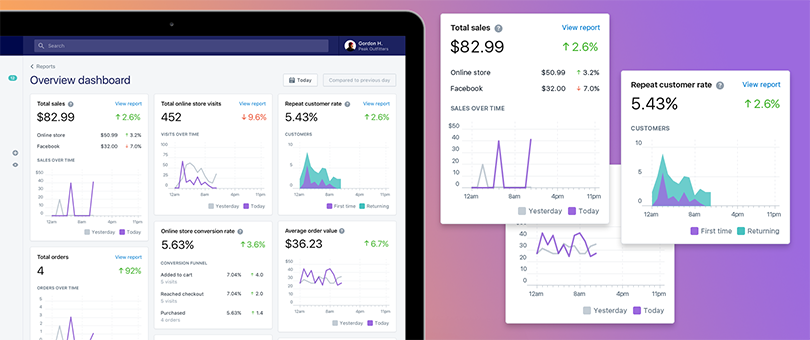
Shopify is the clear WordPress alternative for e-commerce. While WooCommerce turns WordPress into a store, Shopify was built as a store from day one. Payment processing, inventory management, shipping, and PCI compliance are all handled.
| Quick Facts | |
|---|---|
| Type | Hosted, proprietary e-commerce platform |
| Starting Price | $5/mo (Starter) / $29/mo (Basic store) |
| Transaction Fees | 2.9% + 30¢ (Basic) to 2.5% + 30¢ (Advanced) |
| Best For | Online stores of all sizes |
| 2026 Update | Agentic Storefronts let products appear directly in AI conversations (ChatGPT, Perplexity, Copilot) |
Why choose Shopify over WordPress + WooCommerce? WooCommerce is free, but you pay for hosting ($20–100/mo), SSL, security plugins, payment gateway plugins, and ongoing maintenance. Shopify includes everything. For most merchants, Shopify's total cost is comparable or lower with far less headache.
Pros:
- Purpose-built for selling — not adapted from a blog CMS
- PCI compliance and security handled automatically
- 10,000+ apps in the Shopify App Store
- Multi-channel selling (Instagram, TikTok, Amazon, in-person POS)
- AI-powered "agentic storefronts" for next-gen commerce (2026)
Cons:
- Transaction fees unless using Shopify Payments
- Blogging capabilities are basic
- Monthly costs add up with apps ($29/mo base + app fees)
- Customization requires Liquid template language knowledge
What Are the Best Open-Source Alternatives to WordPress?
If you value the open-source nature of WordPress but want something different, these three CMS platforms offer full control over your code and data without WordPress's complexity.
9. Drupal — Best for Enterprise and Government
Drupal powers government sites, universities, and large organizations that need advanced permissions, multilingual support, and complex content relationships. It is more secure and scalable than WordPress, but requires significantly more technical expertise.
| Quick Facts | |
|---|---|
| Type | Open-source CMS (PHP) |
| Price | Free (hosting + development costs) |
| Best For | Government, enterprise, universities, complex multi-site |
| Current Version | Drupal 11 (Drupal 12 planned for late 2026) |
| 2026 Update | Recipes for one-command module installation; Workspaces for simultaneous publishing environments |
Pros:
- Superior security architecture (fewer breaches than WordPress)
- Advanced user permissions and roles
- Best-in-class multilingual support
- Handles complex content types and relationships
- Used by WhiteHouse.gov, Tesla, and the Economist
Cons:
- Steep learning curve — requires developer expertise
- Higher development costs than WordPress
- Smaller theme/module ecosystem
- Overkill for simple blogs or small business sites
10. Joomla — Best for Community Portals
Joomla sits between WordPress and Drupal in complexity. It offers more powerful user management and built-in multilingual support than WordPress, without requiring Drupal-level technical skills. Version 6.0 launched in January 2026.
| Quick Facts | |
|---|---|
| Type | Open-source CMS (PHP) |
| Price | Free (hosting + extension costs) |
| Best For | Community sites, portals, mid-sized organizations |
| Current Version | Joomla 6.0.2 / 5.4.2 (January 2026) |
Pros:
- Advanced Access Control Lists for user management
- Built-in multilingual support (core feature)
- More flexible content types than WordPress core
- Active development with regular releases
Cons:
- Smaller community and extension library than WordPress
- Fewer modern themes available
- Learning curve steeper than WordPress
- Market share declining (under 2%)
11. Grav — Best for Developers Who Want No Database
Grav is a flat-file CMS that stores everything as text files instead of a database. This makes it faster, more portable, and easier to version control with Git. It has a similar feel to WordPress but with a fundamentally different architecture.
| Quick Facts | |
|---|---|
| Type | Open-source flat-file CMS (PHP) |
| Price | Free (open-source) + optional premium plugins |
| Best For | Developers, small-to-medium sites, documentation |
| Current Version | 1.7.49 stable / 1.8 beta |
Pros:
- No database — faster, simpler, and more secure
- Git-friendly (version control your entire site)
- Markdown-based content authoring
- Built-in admin panel with package manager
- Intelligent caching for high performance
Cons:
- Not suited for very large sites (thousands of pages)
- Smaller plugin ecosystem than WordPress
- Requires PHP knowledge for customization
- No built-in e-commerce
What Is the Best WordPress Alternative for Teams and Documentation?
12. Notion — Best for Simple Sites and Internal Docs
Notion is primarily a team workspace tool, but Notion Sites lets you publish any Notion page as a website. If your team already uses Notion, turning pages into a public site takes seconds.
| Quick Facts | |
|---|---|
| Type | Hosted workspace with website publishing |
| Free Plan | Yes (1 Notion Site with limited customization) |
| Paid Plans | $10–$15/seat/mo + $8/mo per custom domain |
| Best For | Documentation sites, portfolios, changelog pages, internal wikis made public |
Pros:
- Publish directly from Notion — zero learning curve
- Real-time collaboration built in
- Great for documentation and changelogs
- Free plan includes one published site
Cons:
- Very limited design customization
- Not a real website builder — just published Notion pages
- SEO capabilities are basic
- Custom domains cost extra ($8/mo)
What Are the Best Headless CMS Alternatives to WordPress?
Headless CMS platforms separate content from presentation. You manage content in the CMS and deliver it to any frontend — websites, apps, kiosks, smartwatches — via API. This is a fundamentally different approach from WordPress's monolithic architecture.
13. Contentful — Best for Enterprise Multi-Channel Content
Contentful is the market leader in headless CMS for enterprise teams. It delivers content via API to any device or channel, making it ideal for organizations that publish across web, mobile apps, and digital signage.
| Quick Facts | |
|---|---|
| Type | Hosted, proprietary headless CMS |
| Free Plan | Yes (1 space, 5 users, basic API access) |
| Paid Plans | $300/mo (Basic) to $2,000+/mo (Enterprise) |
| Best For | Enterprise teams, multi-platform content delivery |
Pros:
- Excellent GraphQL and REST APIs
- Content delivered to any frontend framework
- Enterprise-grade content workflows and permissions
- Contentful Studio for visual, no-code content editing
Cons:
- Expensive — $300/mo minimum for real projects
- No built-in frontend (you build your own)
- Vendor lock-in with proprietary content model
- Overkill for simple websites
14. Strapi — Best Open-Source Headless CMS
Strapi is the most popular open-source headless CMS. Version 5, released in 2025, is a complete TypeScript rewrite with faster APIs and better content versioning. You can self-host for free or use Strapi Cloud starting at $15/mo.
| Quick Facts | |
|---|---|
| Type | Open-source headless CMS (Node.js/TypeScript) |
| Free Plan | Yes (self-hosted, unlimited) |
| Cloud Plans | $15–$99/mo (annual billing) |
| Best For | Developers, startups, custom application backends |
| 2026 Update | Strapi 5 — 100% TypeScript, faster APIs, enhanced content versioning and history |
Pros:
- Fully open-source — self-host for free
- Developer-first with clean API design
- 100% TypeScript in Strapi 5
- Customizable admin panel
- Self-host or managed cloud — your choice
Cons:
- Requires development skills to set up and customize
- No built-in frontend — bring your own
- Self-hosting means you handle security and scaling
- Smaller plugin ecosystem than WordPress
15. Payload CMS — Best for Next.js Applications
Payload CMS is the newest major player in headless CMS. Version 3.0 runs directly on Next.js, making it the natural choice for React/Next.js developers. It is TypeScript-first with a visual editor for non-technical users.
| Quick Facts | |
|---|---|
| Type | Open-source headless CMS (TypeScript/Next.js) |
| Free Plan | Yes (self-hosted, open-source) |
| Cloud Plans | $35–$199/mo, Enterprise $10,000/yr |
| Best For | Next.js applications, full-stack TypeScript projects |
| 2026 Update | Payload 3.0 runs on Next.js; customizable dashboard widgets; AI-assisted development templates |
Pros:
- Runs natively on Next.js — no separate backend
- TypeScript-first for type safety
- Visual editor for content teams
- Highly extensible with hooks, plugins, and custom endpoints
- Open-source with generous free tier
Cons:
- Tied to Next.js ecosystem
- Newer platform — smaller community than Strapi or Contentful
- Enterprise features are expensive ($10,000/yr)
- Requires strong TypeScript/React skills
How Do You Choose the Right WordPress Alternative?
The best WordPress alternative depends on what you are building. Here is a decision framework based on your primary use case:
| If You Need... | Choose This | Why |
|---|---|---|
| A blog or newsletter | Ghost | Built-in memberships, newsletters, SEO — no plugins |
| An online store | Shopify | Purpose-built for e-commerce, handles payments and shipping |
| A business website (no code) | Squarespace | Beautiful templates, all-in-one, 24/7 support |
| Maximum design control | Webflow | Pixel-perfect visual builder with clean code output |
| The easiest setup possible | Wix | AI builds your site from a conversation |
| Advanced animations | Framer | Motion design and interactions without code |
| A fast developer blog | Hugo | Fastest static site generator, free hosting |
| Enterprise-scale CMS | Drupal | Advanced permissions, multilingual, battle-tested at scale |
| API-first content delivery | Strapi | Open-source headless CMS, self-host for free |
| Next.js integration | Payload CMS | Runs natively on Next.js, TypeScript-first |
| Team documentation site | Notion | Publish Notion pages as websites instantly |
FAQ
What is the best free WordPress alternative?
Ghost (self-hosted), Hugo, Eleventy, Grav, Drupal, Joomla, and Strapi (self-hosted) are all free and open-source. For hosted solutions, Wix, Webflow, Framer, and Notion offer free plans with limitations like branding or restricted features.
What is the easiest WordPress alternative for non-technical users?
Wix is the easiest overall, especially with Wix Harmony's AI builder (2026). Squarespace is a close second with more polished templates but no free plan. Both are significantly easier than WordPress.
Can I migrate my WordPress site to another platform?
Yes. Ghost has a dedicated WordPress migration tool. Shopify offers WordPress migration apps. Webflow, Squarespace, and Wix have import tools for basic content. For headless CMS platforms, you will need to restructure your content via API.
Which WordPress alternative is best for SEO?
Ghost has the best built-in SEO features for blogs — automatic sitemaps, structured data, meta controls, and clean URLs without plugins. For general websites, Webflow and Squarespace offer solid SEO tools. Static site generators like Hugo produce the fastest pages, which is a direct ranking factor.
Is WordPress still worth using in 2026?
Yes, for specific use cases. WordPress still has the largest plugin ecosystem (60,000+), the most themes, and the biggest community. It is the best choice when you need highly specific functionality that exists as a WordPress plugin but not on other platforms. However, for blogging, e-commerce, or business websites, the alternatives listed above are often simpler, faster, and more secure.
Last updated: February 2026. Pricing and features verified from official sources.