How to Restrict Content to Specific Membership Tiers in Ghost CMS

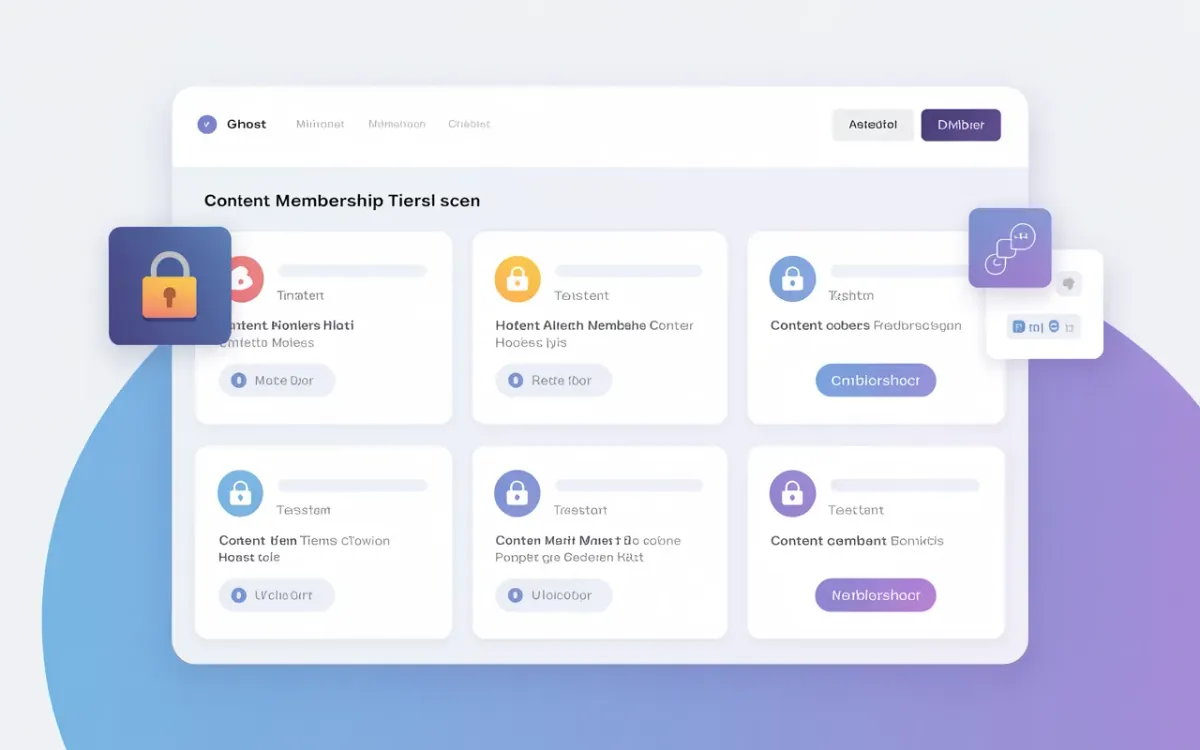
Quick answer: Ghost CMS lets you restrict posts to specific paid membership tiers via Post Settings → Post Access → Specific Tier(s). For granular in-page blocks, use Handlebars helpers like {{#if @member.paid}} combined with tier name checks in your theme templates.
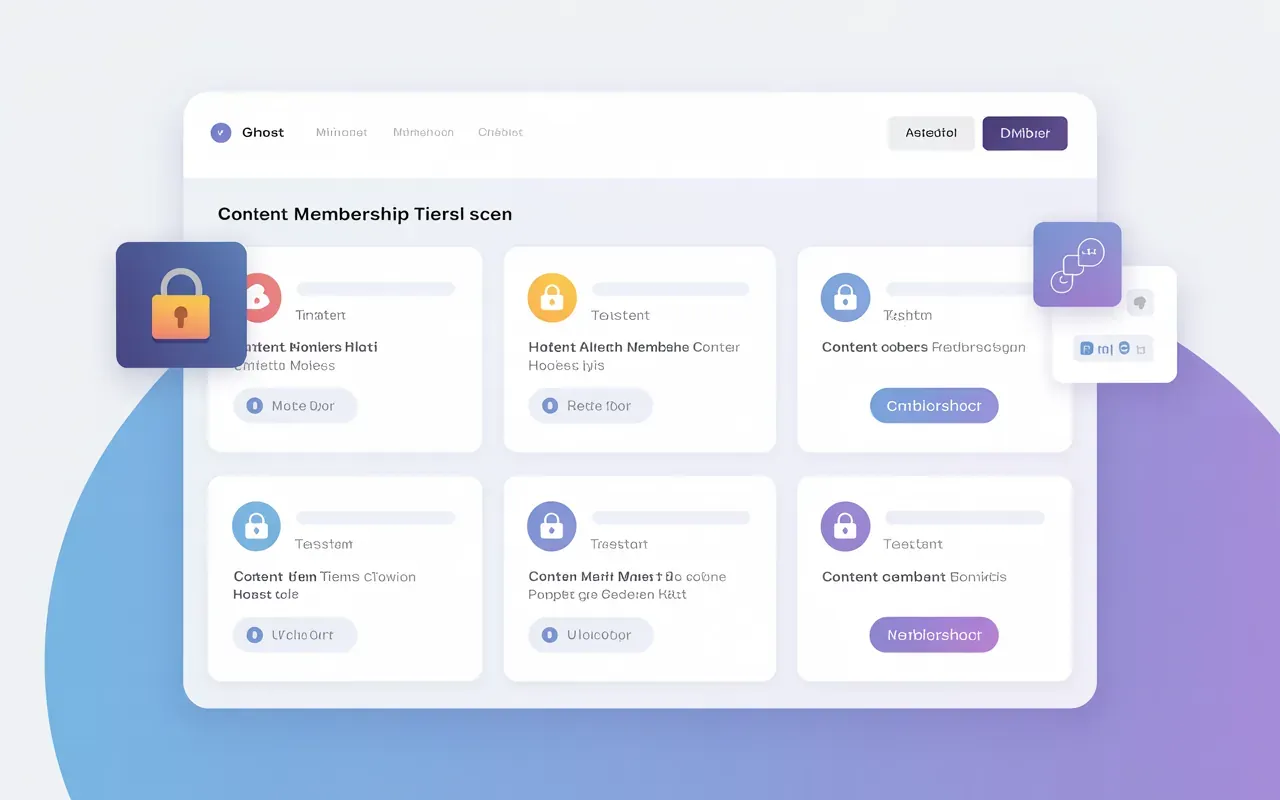
A Ghost user on the forum recently hit a familiar wall: they wanted to lock certain ad-free features to one specific paid tier, not all paid members. Ghost docs only mention @member and @memberpaid. That's true — but it's not the whole picture.
Ghost actually gives you two distinct methods for tier-based content control: post-level access restrictions (no code needed) and template-level Handlebars checks (for in-page UI changes). Knowing which to use — and when — saves you a lot of head-scratching.
How Does Ghost's Membership Tier System Work?
Ghost separates members into three broad groups: public visitors, free members, and paid members. Within the "paid" category, you can create multiple tiers — each with its own price, name, and benefits. Think "Basic", "Pro", and "Enterprise", or "Fan", "Supporter", and "Patron".
Each tier maps to a Stripe product under the hood when you're on Ghost(Pro) or self-hosted with Stripe connected. You set these up under Settings → Membership → Tiers in Ghost Admin. You can learn more about the overall setup in the Ghost Mailchimp integration guide — understanding your member segments makes email automation much cleaner.
The key thing to understand: Ghost enforces tier access at the post level natively. For UI-level checks inside templates, you're working with Handlebars helpers, and the support is limited but workable.
How Do I Restrict a Post to a Specific Tier?
This is the simplest approach and requires zero code. Here's the workflow:
- Open the post editor in Ghost Admin.
- Click the settings gear icon to open the Post Settings panel.
- Under Post Access, change the dropdown from "All members" to Specific tier(s).
- Select which tiers should have access. You can pick multiple.
- Save and publish.
Members who don't qualify see a paywall CTA automatically — Ghost handles this through its Portal overlay. No theme modifications needed.
If you want to apply this to multiple posts at once, go to your Post List, filter by a tag, select all posts, right-click, and choose Change access. Bulk access changes save significant time when you're restructuring your membership model.
| Access Setting | Who Sees the Full Content | Who Sees the Paywall |
|---|---|---|
| Public | Everyone | Nobody |
| Members only | All logged-in members (free + paid) | Anonymous visitors |
| Paid members only | All paid tier members | Free members + visitors |
| Specific tier(s) | Members subscribed to selected tier(s) | Everyone else |
How Do I Show Different Content Blocks to Different Tiers in a Theme?
Post-level restrictions are all-or-nothing. If you want to show tier-specific UI elements within a single post — like a download button only for "Pro" members, or an ad-free notice for a specific tier — you need Handlebars template logic.
Ghost exposes the @member object in themes. The core helpers are:
{{#if @member}}
  <!-- Logged-in member (free or paid) -->
{{/if}}

{{#if @member.paid}}
  <!-- Any paid member -->
{{/if}}
Unfortunately, Ghost's native Handlebars helpers don't expose a @member.tier.name check out of the box. The @member object has name, email, paid, and subscriptions — but tier-specific conditionals require a workaround.
The recommended approach for tier detection in templates:
{{! In post.hbs or a partial - check the post's allowed tiers }}
{{#foreach tiers}}
  {{#if (eq name "Pro")}}
    <div class="pro-only-block">
      <p>This content is for Pro members.</p>
      <a href="/downloads/report.pdf">Download the full report</a>
    </div>
  {{/if}}
{{/foreach}}
This loops over the tiers that have access to the current post. It's context-dependent — it tells you which tiers can access the post, not which tier the current member is on.
For detecting the logged-in member's specific tier, you need JavaScript. Ghost passes member data to the frontend via a cookie-based session. You can read it like this:
// In Code Injection → Site Footer, or a custom theme asset
fetch('/members/api/member/')
  .then(res => res.json())
  .then(member => {
    if (!member) return; // not logged in
    const tierName = member.subscriptions?.[0]?.tier?.name;
    if (tierName === 'Pro') {
      document.querySelectorAll('.pro-only').forEach(el => el.style.display = 'block');
    }
  });
Pair this with CSS that hides .pro-only by default (display: none), and you get clean tier-specific UI without any server-side changes. This is the same pattern BrightThemes uses for their member-specific block implementation.
If you're building a custom theme from scratch, the Ghost themes guide covers the structural conventions worth knowing before you dive into membership template work.
Does Ghost Support Multiple Free Tiers?
Not natively. Ghost has exactly one "free" tier — it's the default for anyone who signs up without paying. You can't create multiple free tiers with different access levels out of the box.
The workaround most sites use is member labels. Labels are manually assigned tags on members (e.g., "Beta Tester", "Newsletter", "Partner"). You can filter newsletters by label, but you can't restrict post access by label — that still requires a paid tier structure.
If you need three free tiers with different permissions, the honest answer is: Ghost isn't built for that. WordPress with a membership plugin like MemberPress would handle it better. Ghost's strength is clean paid-tier monetization via Stripe, not complex free-tier hierarchies.
How Do I Detect Which Tier a Member Is On in a Handlebars Template?
You can't do this purely in Handlebars — it requires JavaScript. The /members/api/member/ endpoint returns the logged-in member's full profile including their active subscriptions and tier data.
Here's a more complete snippet you can drop into Settings → Code Injection → Site Footer:
document.addEventListener('DOMContentLoaded', function() {
  fetch('/members/api/member/')
    .then(res => res.ok ? res.json() : null)
    .then(member => {
      if (!member || !member.subscriptions?.length) return;
      const tier = member.subscriptions[0]?.tier?.name?.toLowerCase().replace(/\s+/g, '-');
      if (tier) {
        document.body.classList.add('member-tier-' + tier);
      }
    });
});
This adds a class like member-tier-pro or member-tier-basic to the <body> element. Then you can use CSS to show/hide elements:
.pro-only-feature { display: none; }
.member-tier-pro .pro-only-feature { display: block; }
No theme rebuild required — just a snippet in Code Injection and some CSS. This is particularly useful for things like removing ads, showing download links, or displaying a "Your plan: Pro" badge on the account page. For more on Code Injection patterns, see the Ghost HTML embed guide.
What Is the Difference Between @memberpaid and Specific Tiers?
@memberpaid is a Handlebars boolean — it's true for any active paid member, regardless of which tier they're on. It doesn't know whether someone is on your $5/month "Basic" tier or your $50/month "Enterprise" tier.
Specific tier access is enforced at the post level by Ghost's backend. When you set a post to "Specific tier(s)", Ghost checks the member's active subscription against the allowed tiers server-side. The @memberpaid helper won't give you that granularity in Handlebars — it's all-or-nothing.
Use @memberpaid when: you want to show any paid member a special element (upgrade CTA for free members, download button for paid members).
Use post-level tier access when: you want entire posts locked to specific tiers.
Use the JavaScript approach when: you need in-page UI differences between paid tiers.
How Do I Bulk-Update Post Access to a Specific Tier?
Ghost Admin's post list supports bulk access changes. Here's the fastest method:
- Go to Posts in Ghost Admin.
- Use the filter bar to narrow by tag, status, or author.
- Select all filtered posts (checkbox at the top).
- Right-click on the selection → Change access.
- Select "Specific tier(s)" and pick your tier.
This updates post access in one operation rather than editing each post individually. Ghost's SEO structure isn't affected — the post URLs and metadata stay intact, only the access gate changes.
Can I Show a Different Call-to-Action for Each Tier?
Yes, but it takes a bit of template work. Ghost's default content CTA (the paywall overlay) is generic — it shows the same upgrade prompt to everyone who doesn't have access. To customize it per tier, you'd edit the content-cta.hbs partial in your theme.
{{! content-cta.hbs }}
{{#if @member}}
  {{! Member is logged in but doesn't have access }}
  <div class="upgrade-cta">
    <p>This post is for Pro members. <a href="/#/portal/upgrade">Upgrade your plan</a></p>
  </div>
{{else}}
  {{! Not logged in }}
  <div class="signup-cta">
    <p><a href="/#/portal/signup">Create a free account</a> or <a href="/#/portal/signup/pro">go Pro</a></p>
  </div>
{{/if}}
For a deeper dive into CTA customization, the Ghost URL structure post also explains how Portal routes like /#/portal/signup/tier-name work — useful when linking directly to a specific tier signup flow.
Related Ghost Guides
These posts connect directly to the membership and content access topics covered here:
- Ghost Mailchimp Integration — segment and email members by tier using your marketing platform.
- Ghost CMS Mailgun Alternatives — send newsletter emails to tier-specific member segments without Mailgun's cost ceiling.
- How to Optimize Content for Ghost SEO — make sure your gated posts still rank even when access is restricted.
Frequently Asked Questions
Can I restrict a Ghost post to only one specific paid tier?
Yes. In the post editor, open Post Settings, set Post Access to "Specific tier(s)", and select only that tier. Members on other paid tiers — or free members — will see a paywall instead of the full content.
Does Ghost have a Handlebars helper for checking membership tier name?
No native helper exists for checking the current member's tier name in Handlebars. You need to use JavaScript and the /members/api/member/ API endpoint, which returns subscription and tier data for the logged-in member.
How do I show a download button only for Pro members in Ghost?
Fetch the member's tier via the Members API in JavaScript, then toggle CSS visibility. Add a body class like member-tier-pro on login, and use CSS to show the download button only when that class is present. Alternatively, place the button in a post restricted to the Pro tier.
What is the difference between Ghost tiers and member labels?
Tiers are paid subscription levels tied to Stripe pricing. Labels are manual tags you apply to members — they're useful for segmenting email sends but can't restrict post access. Only tiers can gate content in Ghost's built-in access control system.
Can I create multiple free membership tiers in Ghost?
No. Ghost supports only one free tier. If you need multiple free access levels, the workaround is using member labels for email segmentation, but these labels won't restrict post access. Ghost's native system is designed for one free tier plus multiple paid tiers.
Why does @memberpaid show true for all paid members, not just one tier?
@memberpaid is a boolean that returns true for any active paid subscription, regardless of tier. It's designed for basic paid-vs-free checks. For per-tier logic, use the JavaScript Members API approach or set post-level access restrictions in Ghost Admin.
How do I add a "current plan" badge to the Ghost account page?
Fetch the member object from /members/api/member/ via JavaScript. The response includes subscriptions[0].tier.name. Inject this value into a DOM element on your account page template (account.hbs) to display their current plan name dynamically.
Can Ghost restrict content based on how long someone has been a member?
Not natively. Ghost doesn't have a tenure-based access rule. You'd need custom middleware or a third-party tool to check subscription start dates and programmatically assign tiers or labels based on member age.
If you're on Ghost 5.x and running a multi-tier membership site, the post-level access control combined with the JavaScript tier detection snippet will cover 90% of use cases. For anything more complex — dynamic content per-member, free tier hierarchies, or time-locked access — you'll need custom backend logic or a Ghost headless setup with your own frontend. casino rocket login australia