Ghost CMS Retention Offers: How to Reduce Membership Churn

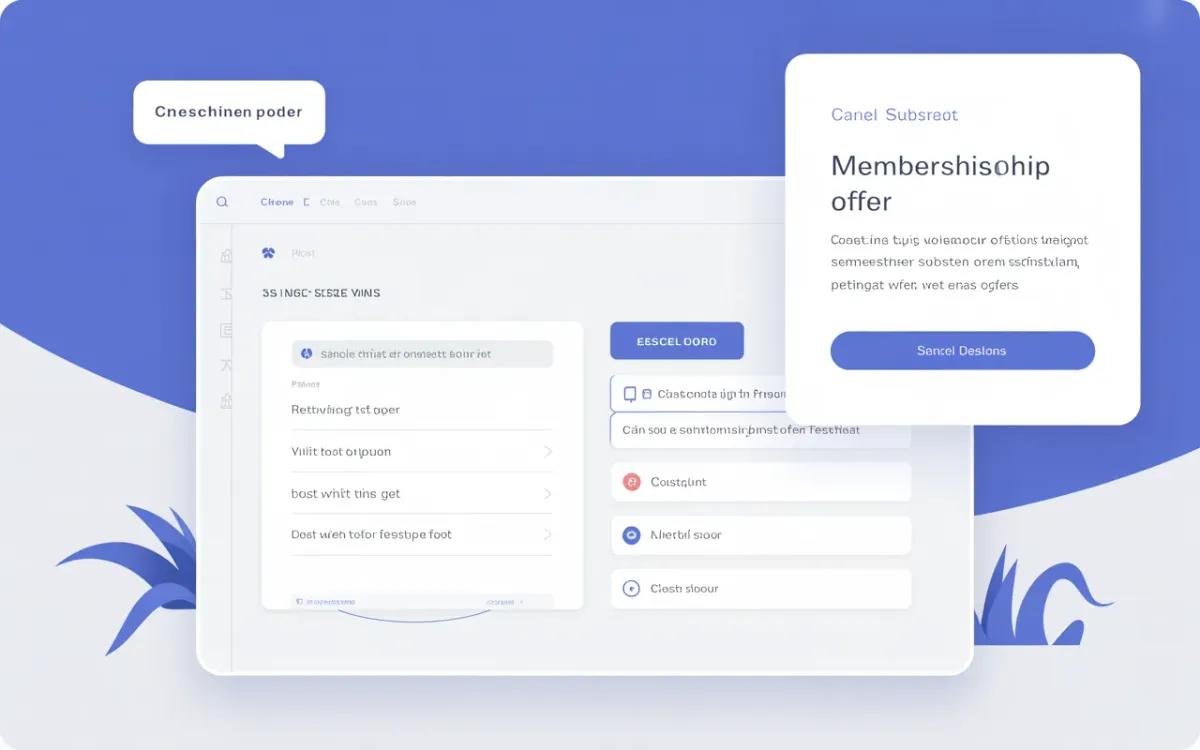
Quick answer: Ghost CMS retention offers let you intercept a paid member right before they cancel and show them a discount or free months. You set it up once in Settings → Growth → Offers → Manage Offers. When a member clicks "cancel," Ghost automatically shows the offer — no code needed.
Every Ghost creator with a paid membership eventually faces it: a paying member clicks "cancel." You don't get a warning. You don't get a chance to make it right. They're just gone.
Ghost rolled out retention offers in March 2026 to change that. The idea is simple — when a paid member starts the cancellation flow, Ghost intercepts them with a special deal before they confirm. A free month. A percentage discount. Whatever you decide. The member sees it, considers it, and either accepts or walks away. You get a fighting chance you never had before.
This guide covers exactly how to configure retention offers, what settings work best for monthly vs annual members, and how to track whether they're actually keeping people around.
What are Ghost retention offers?
Retention offers are a built-in churn-prevention tool inside Ghost Admin. When a paid member initiates a cancellation, Ghost shows them a customizable offer popup before the cancellation goes through. You can offer:
- One or more free months
- A percentage discount on upcoming payments
Retention offers are cadence-based, which means you configure one offer for monthly subscribers and a separate one for annual subscribers — they apply across all tiers automatically. You don't need to create separate offers per tier.
Ghost will not show the retention offer if the member is already on a trial, already using an active signup offer, or has previously redeemed a retention offer. That last point matters: the offer only fires once per member, so it doesn't become a gaming mechanism.
How do you set up retention offers in Ghost Admin?
Setting up a retention offer takes under five minutes:
- Log into Ghost Admin
- Go to Settings → Growth → Offers
- Click Manage Offers
- Find the Retention Offers section and click to enable it
- Configure the offer for monthly members: free months or percentage discount
- Configure the offer for annual members separately
- Customize the headline and description text to match your brand voice
The offer modal that members see is fully customizable. Don't use generic copy like "Don't go!" — write something that speaks to your specific audience and what they're getting from your newsletter. If you run a finance newsletter, remind them what they'll lose. If it's a creative writing community, lean into the relationship.
Ghost(Pro) users get this immediately. Self-hosted Ghost users need to update to the latest version first. Check the Ghost update guide if you're not on the latest release.
What's the difference between a retention offer and a regular discount offer?
Regular Ghost discount offers are marketing tools — you create a shareable URL and promote it to potential subscribers to convert them at a lower price. They're found in the same Settings → Growth → Offers area but serve a completely different purpose.
Retention offers are triggered automatically when a member cancels. You don't share a link. Ghost shows the offer in a modal. The member decides right then. Here's how they compare:
| Feature | Regular Offer | Retention Offer |
|---|---|---|
| Trigger | Shareable URL | Cancellation flow |
| Audience | Potential subscribers | Existing paid members |
| Types | % discount, $ discount, free trial | Free months, % discount |
| Per-tier | Yes | No (cadence-based) |
| Reusable | Yes, many times | Once per member |
| Tracking | Redemption count | Redemption count + member filter |
For a full breakdown of the offers system including trial offers and promotion strategies, see the guide on Ghost membership tiers and access control.
Should you offer free months or a percentage discount?
It depends on the member's billing cadence and what feels most tangible.
For monthly subscribers, a free month offer often feels more concrete than a percentage. "One free month" is easy to understand. A "20% off" sounds smaller in the moment, even if it saves them similar money over time.
For annual subscribers, a percentage discount on the next renewal tends to work better. Annual members already paid upfront — a free month doesn't land the same way. A 20-30% discount on renewal is a real dollar amount they can picture.
Ghost's recommendation is to start with what feels right for your audience and then adjust based on redemption data. You can change the offer anytime without affecting members who already redeemed it.
How do you track whether retention offers are working?
Ghost gives you two ways to measure retention offer performance:
From the Offers page: You'll see a redemption count directly on the retention offer card. This tells you how many members accepted the deal instead of cancelling.
From the Members list: Filter your member list by "Retention offer redeemed" to see exactly who stayed because of an offer. You can then track whether those members eventually churn anyway after the offer period ends or stick around long-term.
That second metric is the one that actually matters. If 80% of members who redeem a free month churn the following month, the offer is delaying cancellations, not preventing them. If they stick around, you've genuinely recovered revenue.
Pair this with your newsletter email delivery setup — members who re-engage after a retention offer often do so because they're still receiving and opening your content.
Does a retention offer work if a member is already on a discount?
No. Ghost won't show a retention offer to a member who is currently using an active offer — for example, someone still in the discounted period from a Black Friday promotion or a signup offer they redeemed when they subscribed.
This is by design. Layering multiple offers on the same member gets complicated from a billing perspective, and it removes the sense of exclusivity from the retention offer itself. The logic is: if they're already getting a deal and still cancelling, a deeper deal probably won't help.
The same applies to trial members — no retention offer fires during an active trial, since they haven't yet paid anything.
Can self-hosted Ghost sites use retention offers?
Yes, but only after updating to the latest Ghost version. Ghost added retention offers in v5.x (released March 2026). If your self-hosted instance is running an older version, you won't see the retention offer section in the Offers area.
Run ghost update via CLI to get the latest version. You'll also need Stripe connected for this to work — retention offers only apply to paid members who are billed through Stripe. Check the Ghost installation guide if you're setting up from scratch, or the Ghost update guide if you're upgrading.
# Update Ghost to get retention offers
cd /var/www/your-ghost-site
ghost update
ghost restart
How does Ghost retention differ from tools like ChurnKey or Chargebee Retention?
Third-party churn tools like ChurnKey, Chargebee Retention, or Paddle's churn flows give you multi-step cancellation surveys, offboarding flows, and pause options. Ghost's built-in retention offer is simpler — one offer, one decision.
For most Ghost creators, that simplicity is an advantage. You don't need a 4-step cancellation survey. You need to ask one question: "Would you stay if we gave you a free month?" The answer tells you everything.
If you're running a high-volume paid newsletter with thousands of paying subscribers, a dedicated churn tool may give you more data and more levers. For publishers under ~$10K MRR, Ghost's native retention offer handles it without adding another tool to your stack.
This fits naturally alongside Ghost's broader monetisation features — you don't need Stripe webhooks, custom code, or third-party apps. It's all in Admin.
What offer amount should you start with?
Start conservative. A 20% discount or one free month is a reasonable starting point for most creators. Here's a rough framework:
- Monthly plan, $5-10/month: Offer 1 free month. Low friction, easy yes.
- Monthly plan, $15+/month: Offer 1-2 free months or 20% off next 3 months.
- Annual plan, $50-100/year: Offer 20-25% off next renewal.
- Annual plan, $150+/year: Offer 15-20% off — the dollar amount is already significant.
Don't set the offer so high that you're giving away most of a payment cycle — that trains members to cancel and redeem whenever they want a deal. Since each member can only redeem once, you have more control than it might seem.
See also: how to structure Ghost membership tiers to reduce cancel intent before it even starts.
Related Ghost Guides
- How to Restrict Content to Specific Membership Tiers in Ghost CMS — set up your tiers so members see the value before they consider cancelling
- Ghost CMS Mailgun Alternatives — if your email delivery is causing members to disengage, fix it first
- How to Add Ecommerce to Ghost CMS — monetisation options beyond memberships
- How to Update Ghost — required before retention offers become available on self-hosted sites
- How to Connect Ghost CMS to n8n — automate follow-up sequences after a member redeems a retention offer
- Ghost CMS Confirmation Email Link Goes to 404 — fix email delivery issues that cause member frustration and churn
Frequently Asked Questions
Can I offer a retention deal to members who already cancelled?
No. Retention offers only fire during the active cancellation flow — before the member confirms. Once someone has cancelled, there's no built-in Ghost mechanism to send them a retention offer. You'd need to handle win-back campaigns manually via email.
What happens after a member accepts a free month retention offer?
Their subscription continues uninterrupted. Ghost adds the free month to their billing cycle through Stripe, so their next payment is pushed back. They keep full paid-member access throughout.
Can I set different retention offers for different tiers?
Not directly. Retention offers in Ghost are cadence-based, not tier-based. You set one offer for monthly subscribers and one for annual subscribers, and it applies to all tiers. You can't have a more generous offer for your highest tier specifically.
Will the retention offer show on mobile?
Yes. Ghost's Portal (the member-facing account UI) is responsive and the retention offer modal works on mobile. Members who manage their subscription on their phone will see it too.
Do retention offers work with Ghost(Pro) and self-hosted Ghost?
Both. Ghost(Pro) users get retention offers immediately after the feature launches. Self-hosted users need to update to the latest Ghost version and have Stripe connected.
How do I know if the retention offer is showing to members correctly?
Test it by creating a test paid member account (you can use Stripe test mode), initiating a cancellation from their account settings, and confirming you see the retention offer modal appear before the cancellation confirmation screen.
Can a member claim a retention offer more than once?
No. Ghost limits retention offers to one redemption per member. This prevents members from gaming the system by cancelling repeatedly just to get recurring discounts.
Is there a way to pause a subscription instead of cancelling in Ghost?
Not natively in Ghost. Subscription pausing is a feature of some third-party tools like ChurnKey but isn't part of Ghost's built-in cancellation flow. Retention offers (free months or discounts) are the closest native equivalent.